One Platform, Endless Growth: All-in-One Automotive eCommerce
Drive sales and fuel growth with a fully-featured automotive website builder that simplifies operations and powers your business, without overspending.
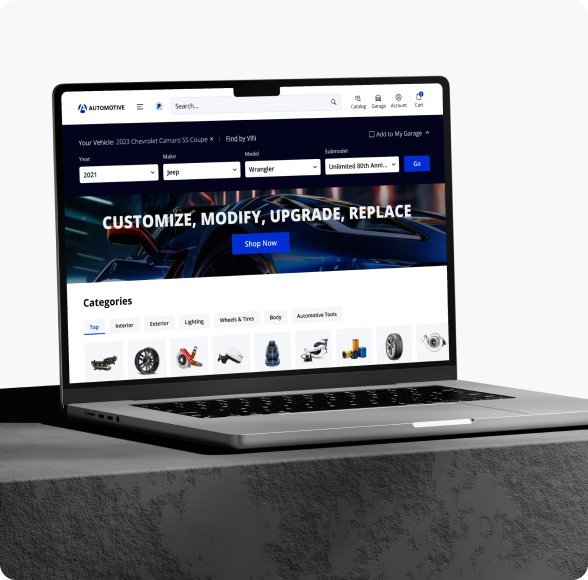

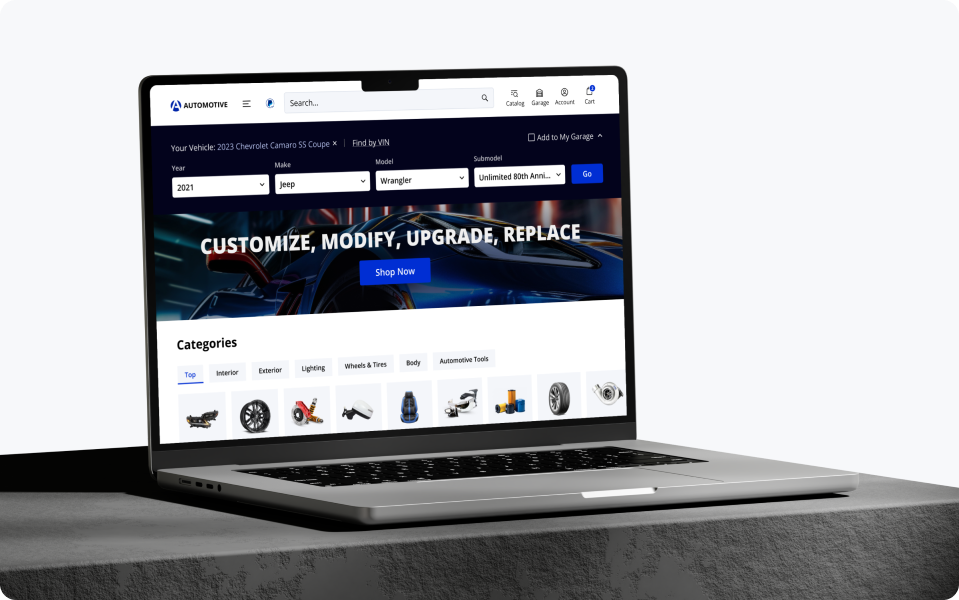

Catalog integration powered by automationReal-time synced inventory & multi-supplier sourcingGuaranteed parts compatibility with YMM and VIN lookup

Automotive Solution Built for Your Business Type
Launch an automotive online store perfectly aligned with your business goals and designed to push your sales forward.


Trusted by







Features to Fuel Your Automotive Business
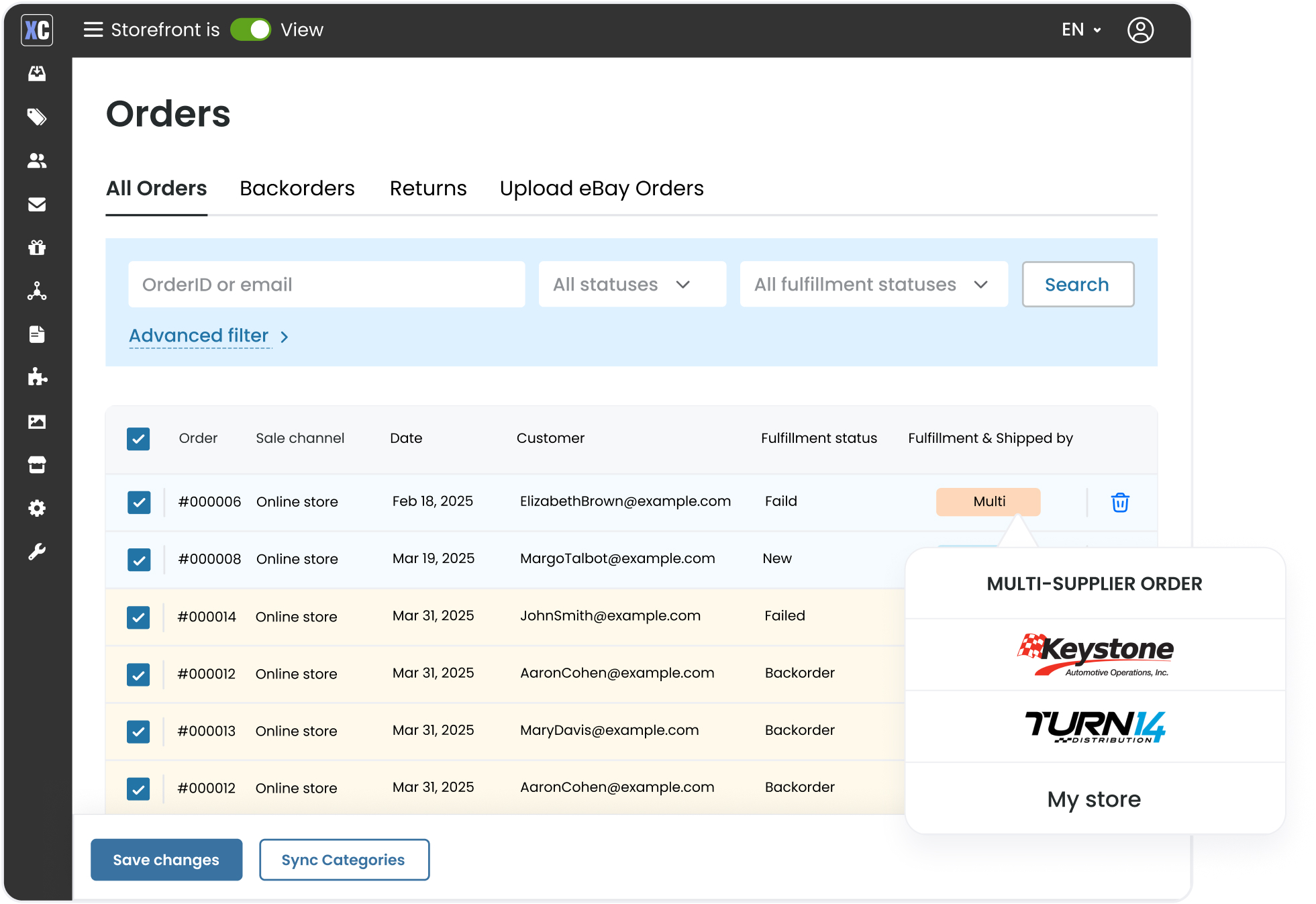
Warehouse Distribution and Order Management
Expand your catalog with parts from trusted automotive distributors and automate order fulfillment by routing orders directly to them. With Multi-WD functionality, import, sync, and consolidate data from multiple sources.







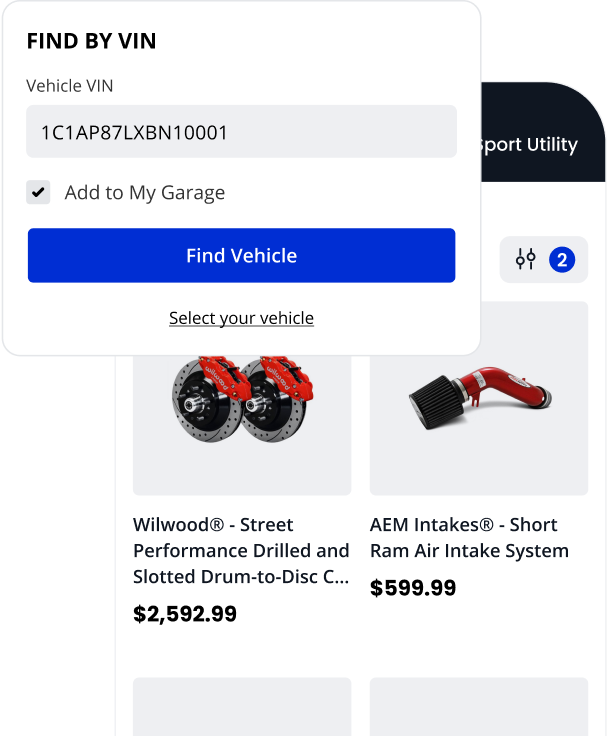
Enhanced Customer Experience
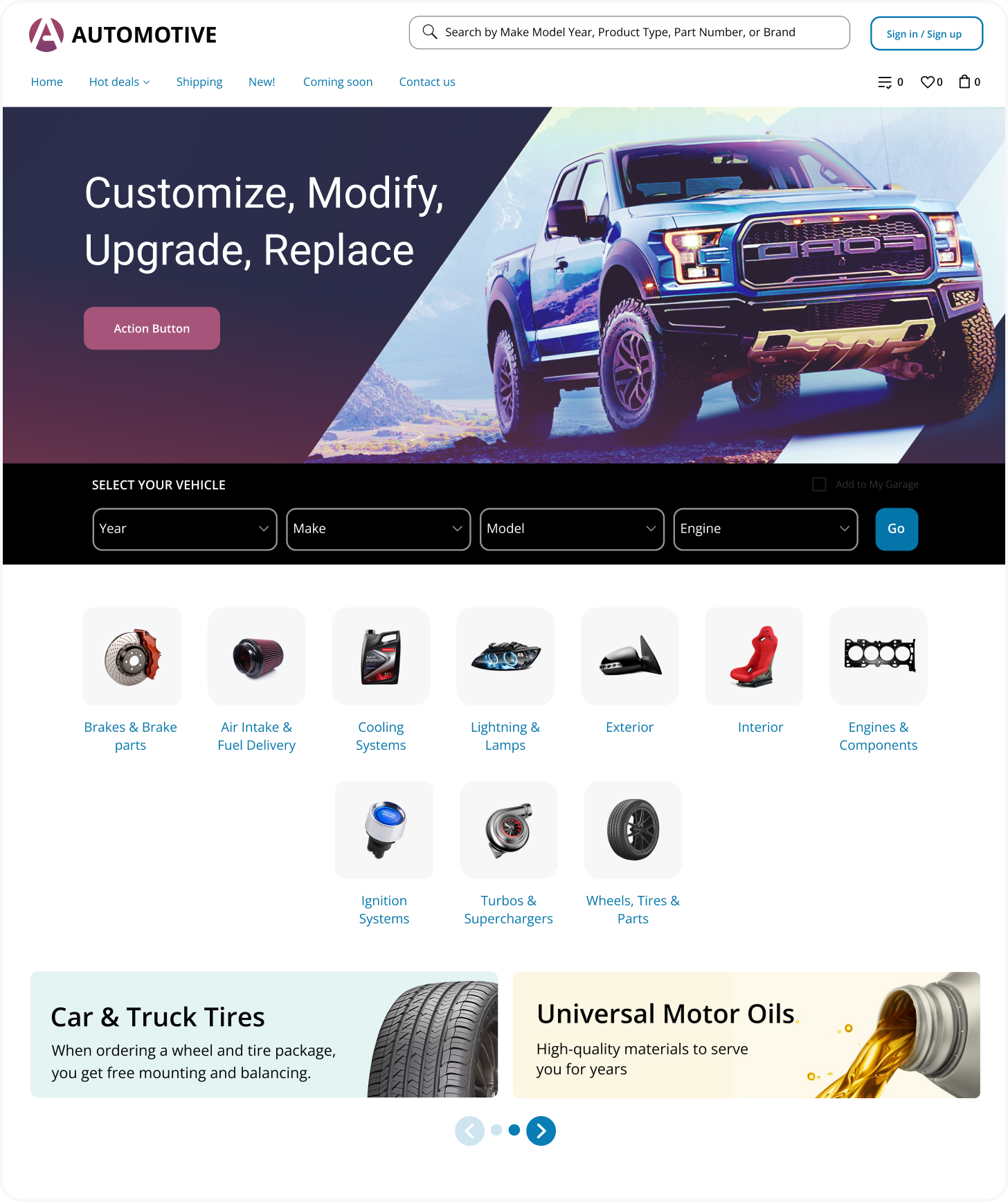
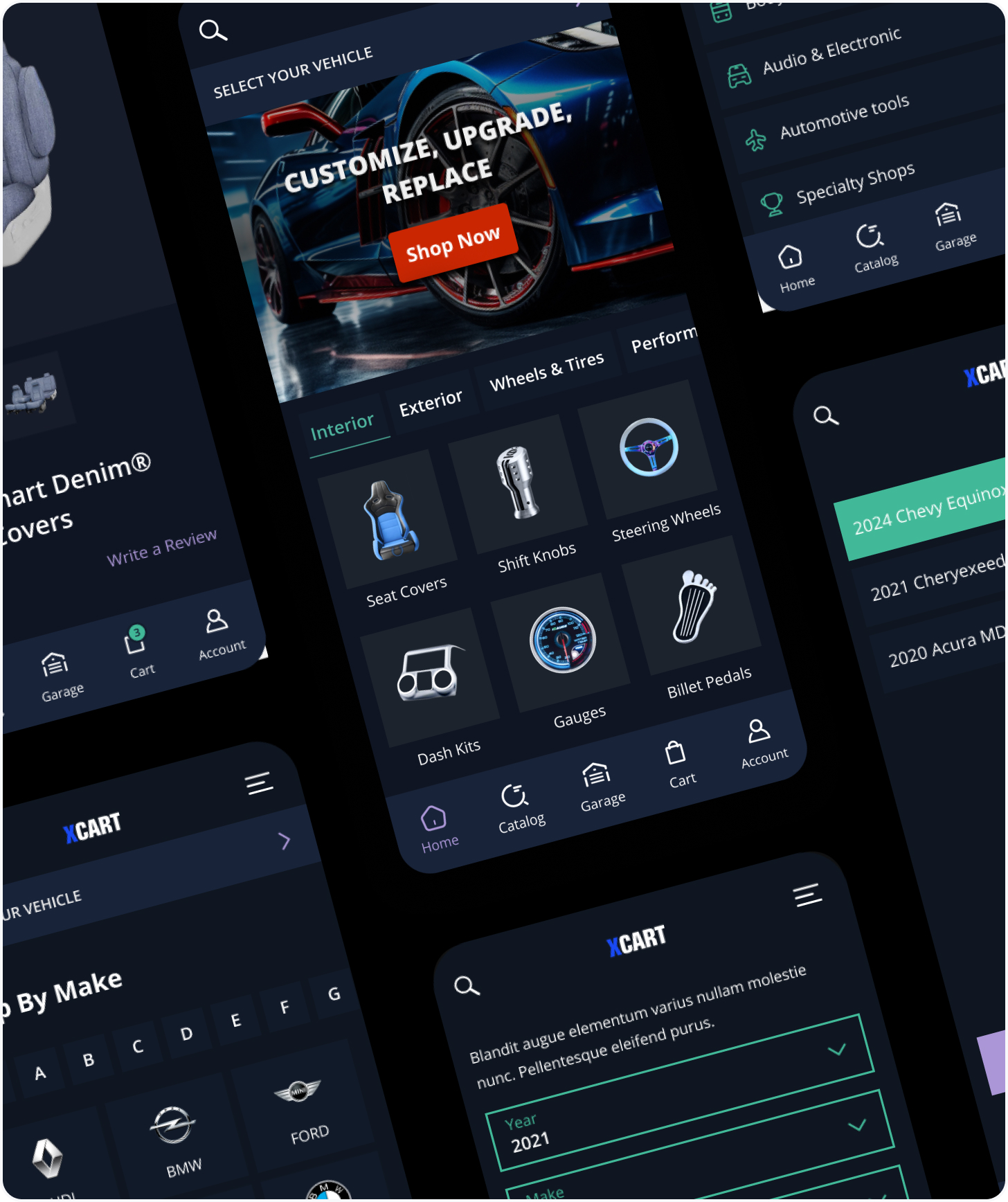
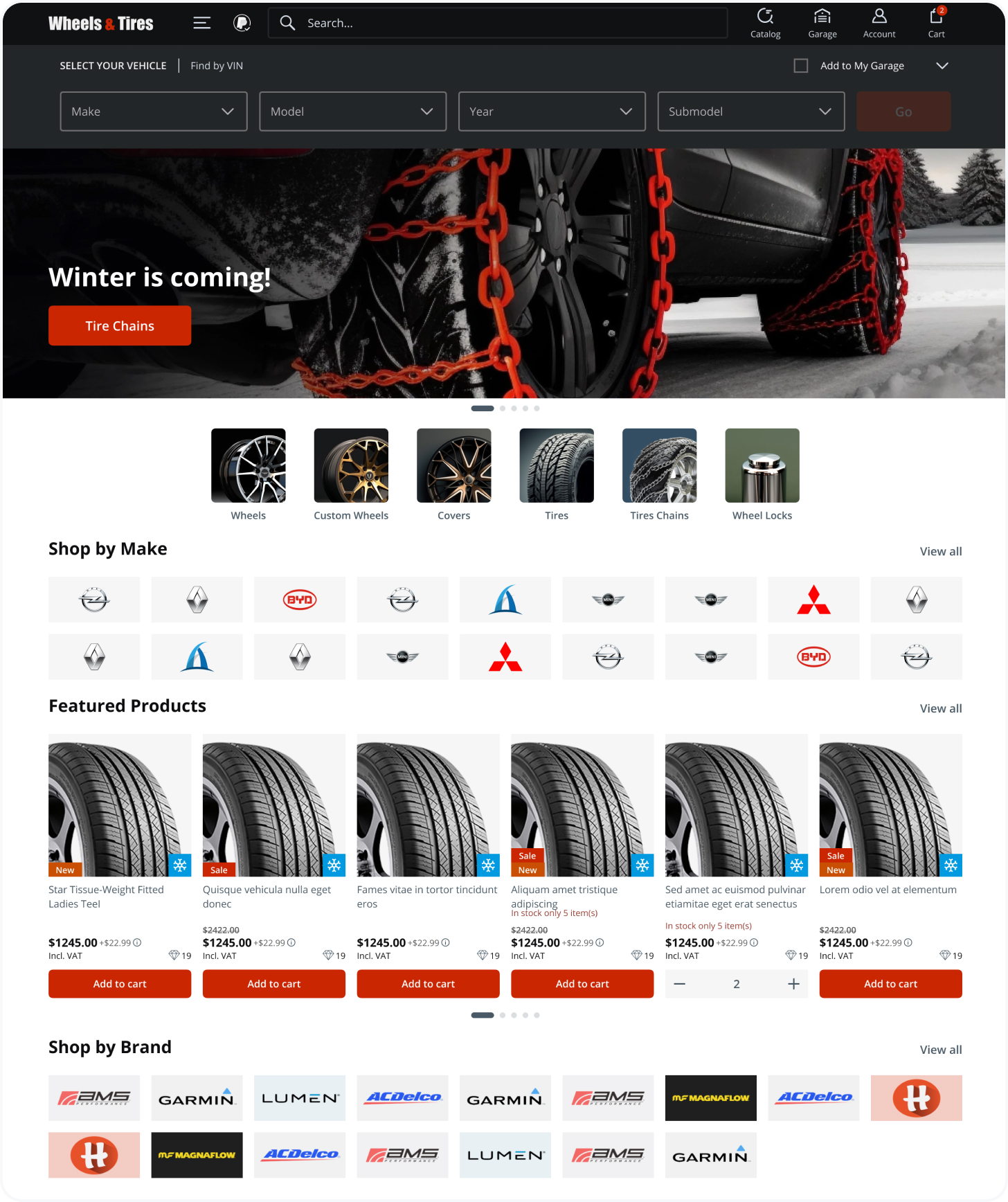
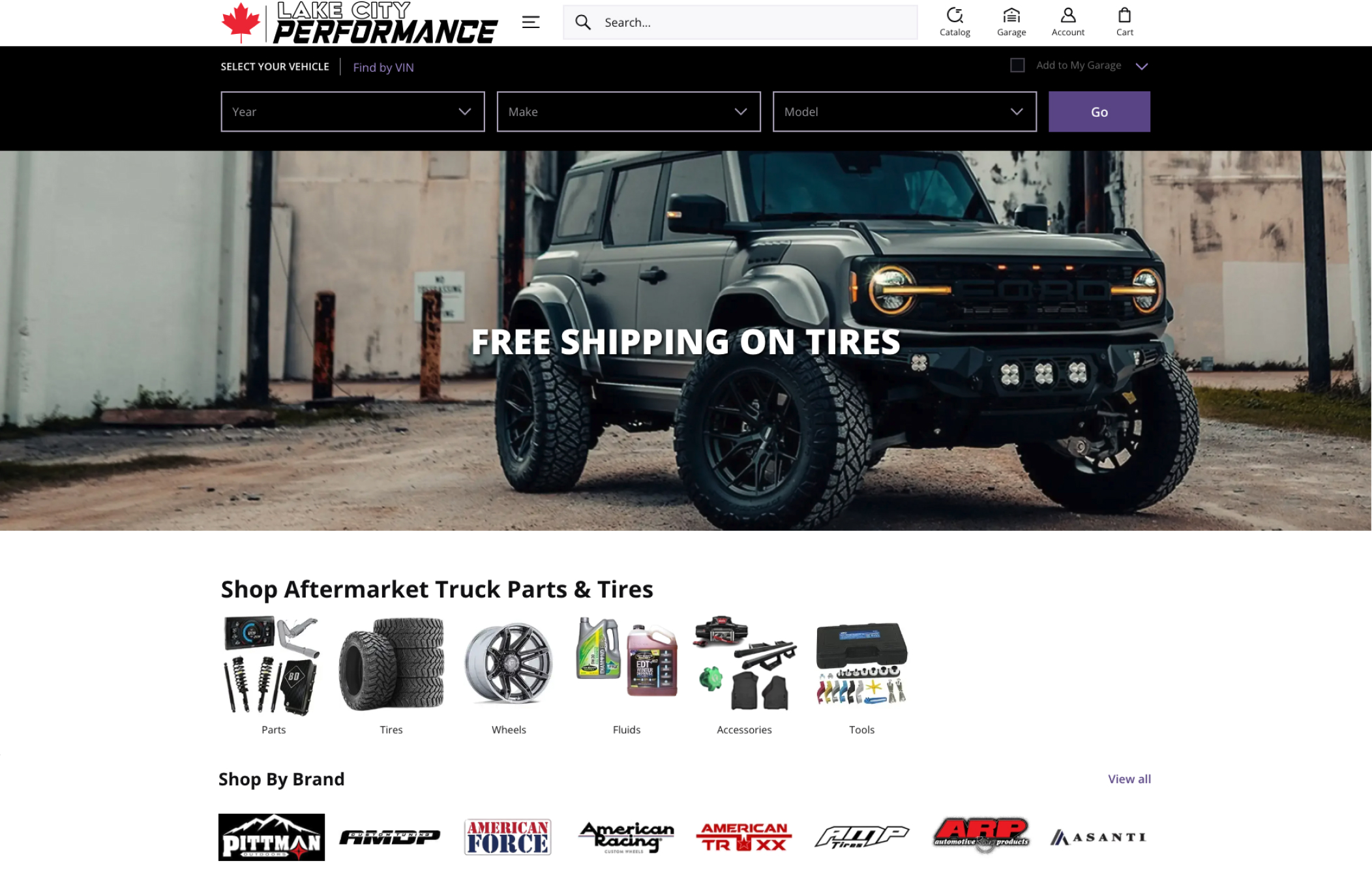
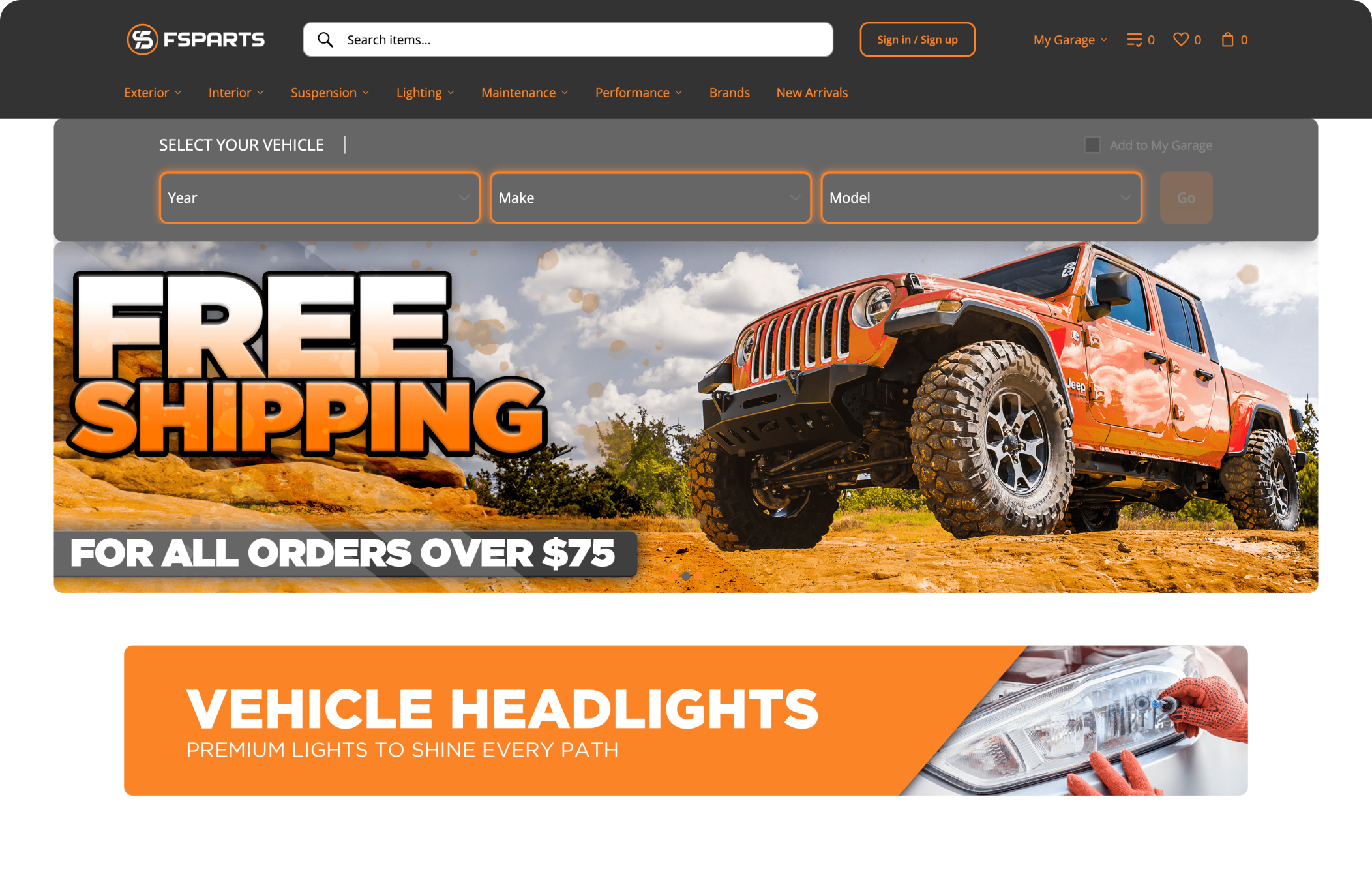
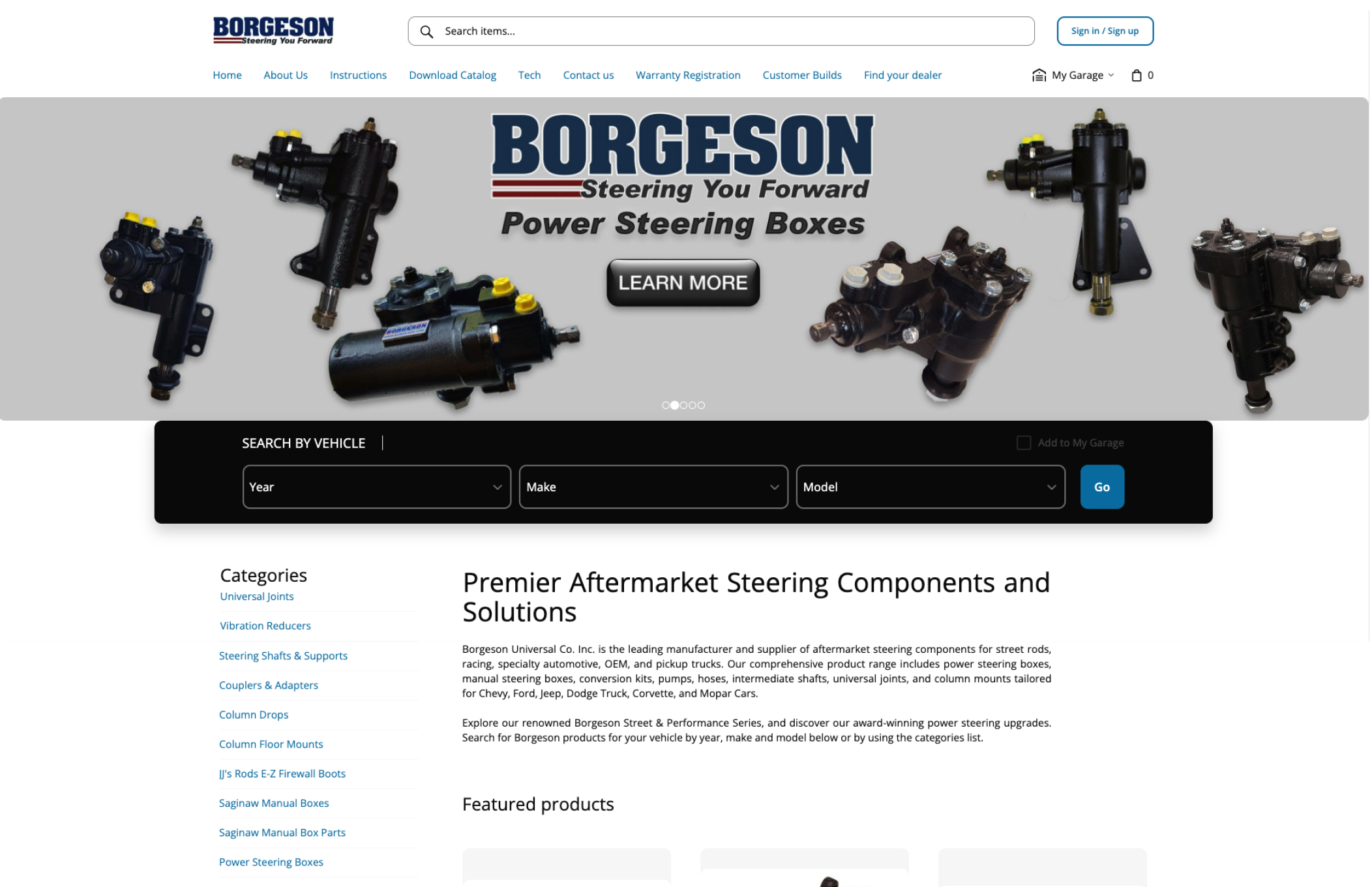
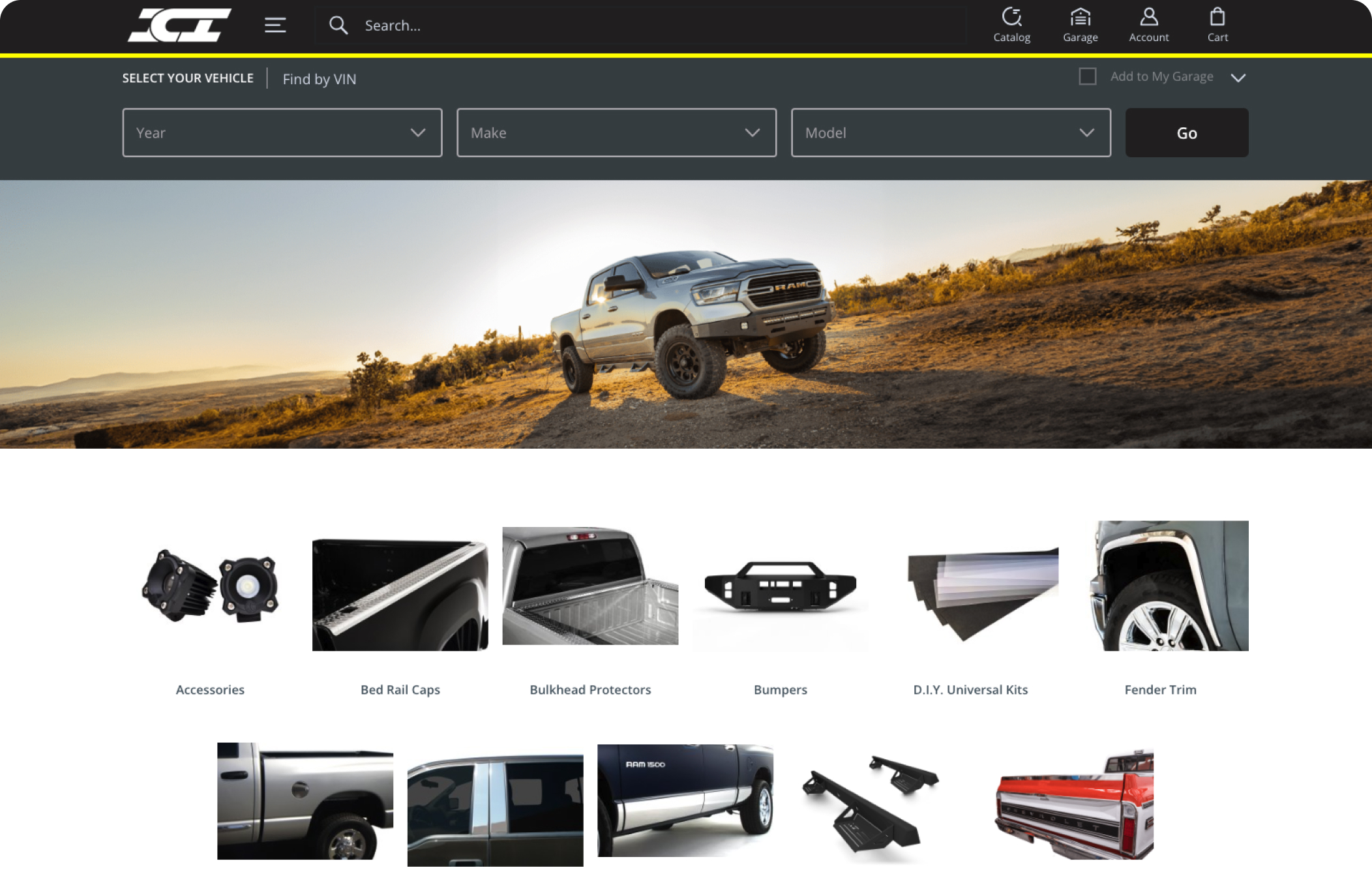
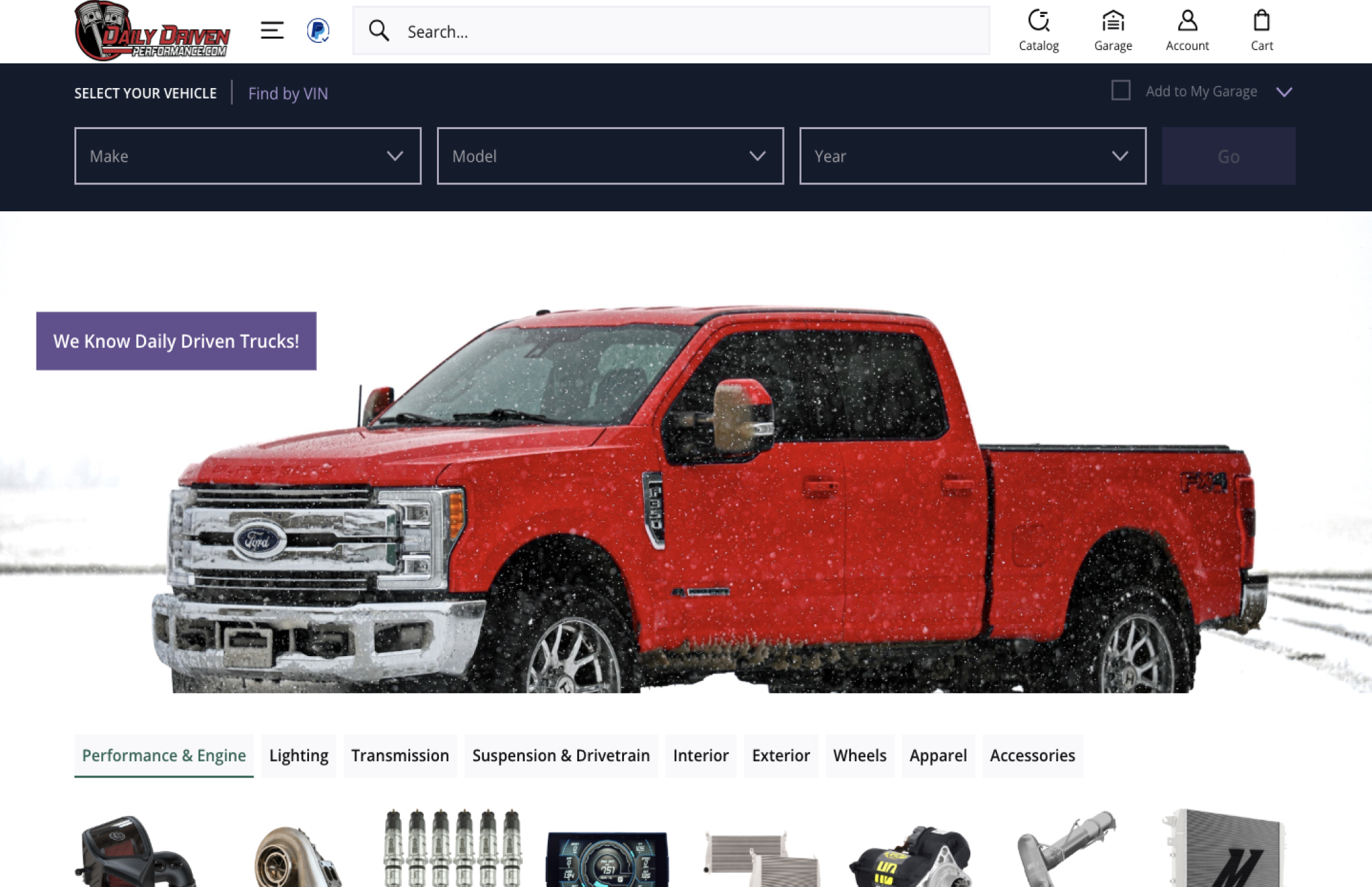
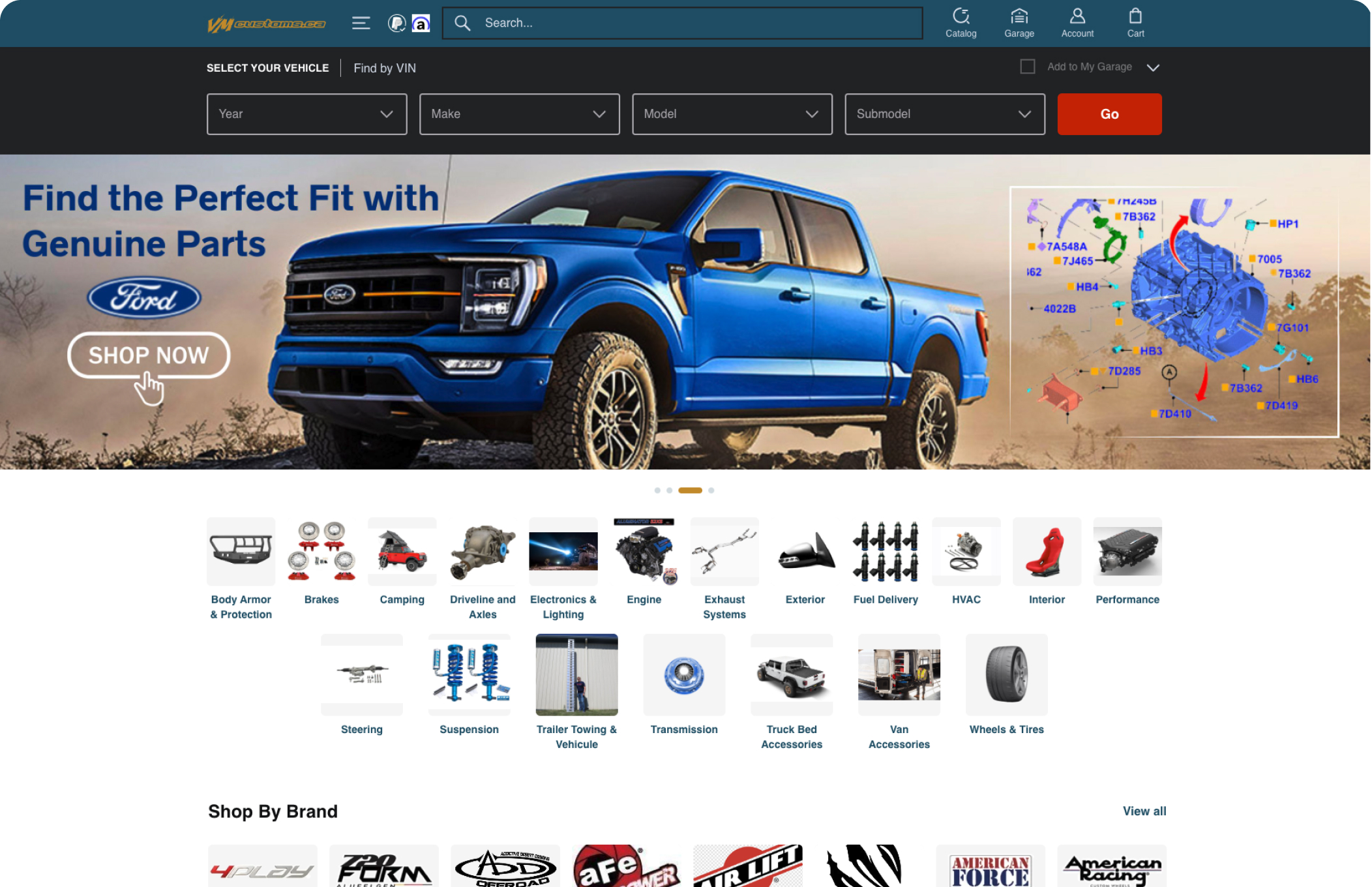
Provide accurate parts data and advanced search options with Year/Make/Model filters, VIN lookup, and ‘My Garage’ features.
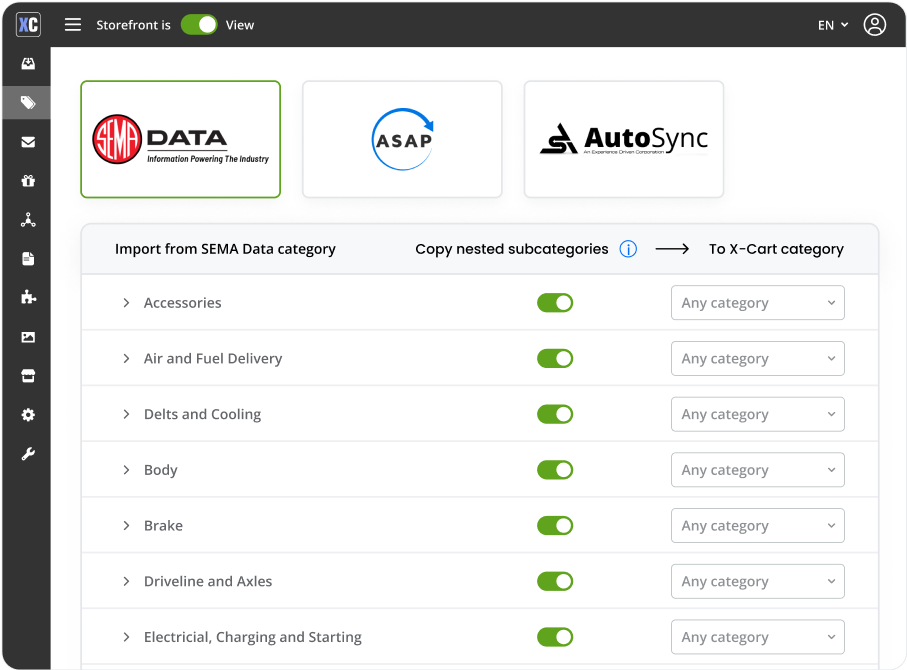
Comprehensive Product Data Management
Provide customers product specifications through seamless integration with industry-standard databases like SEMA Data, ASAP Network, AutoSync, and DCi.



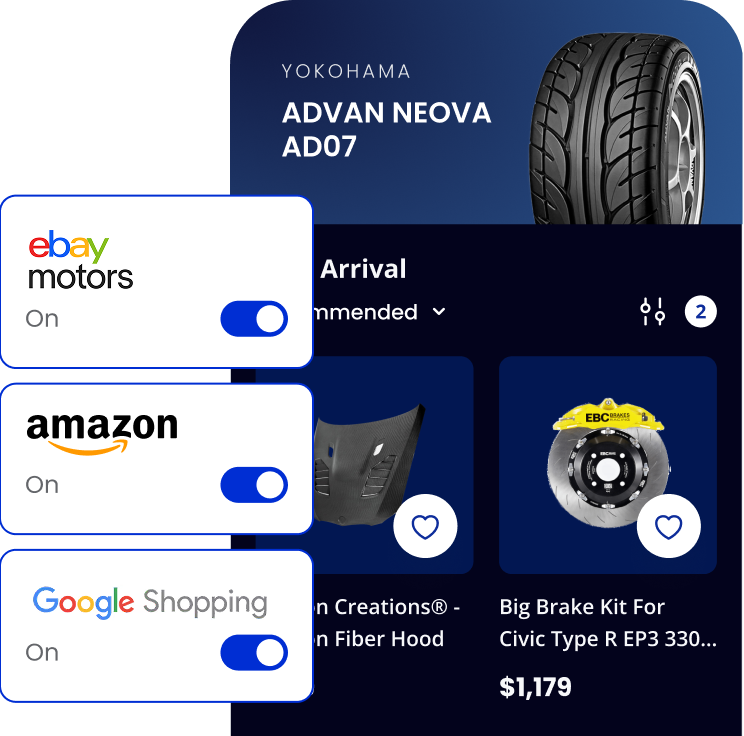
Multichannel Retailing
Leverage multichannel retailing capabilities to list products on platforms such as Amazon, eBay Motors, Google Shopping, and Meta (Facebook, Instagram)


More than 200 features for automotive business in one platform
Power Up Your Store with Dozens of Native Integrations
-
 Dark mode available
 -
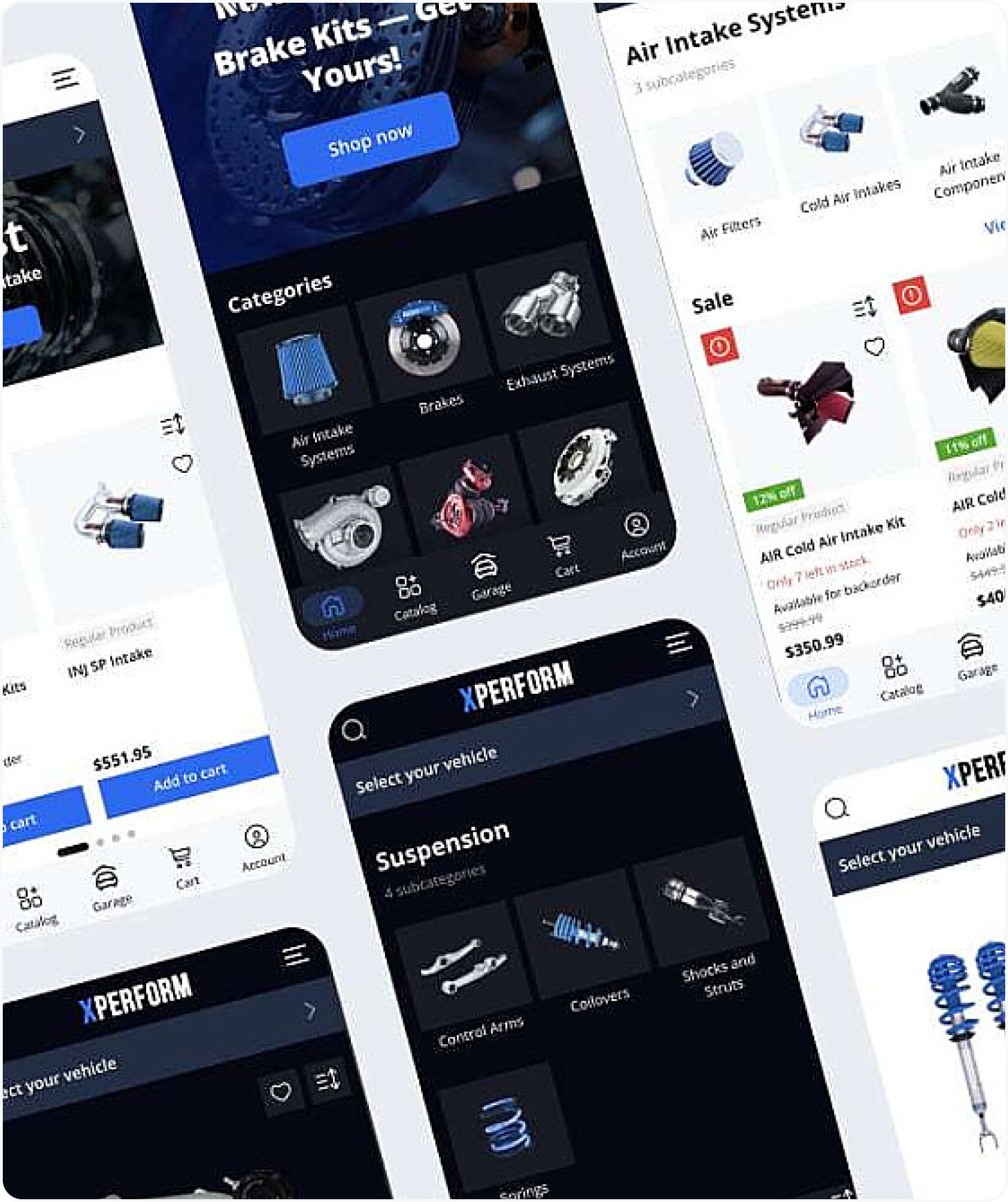
 Mobile and desktop compatible
 -
 Webmaster mode
 -
 Automotive-themed navigation
 -
 Real-time search engine
 -
 Customizable checkout
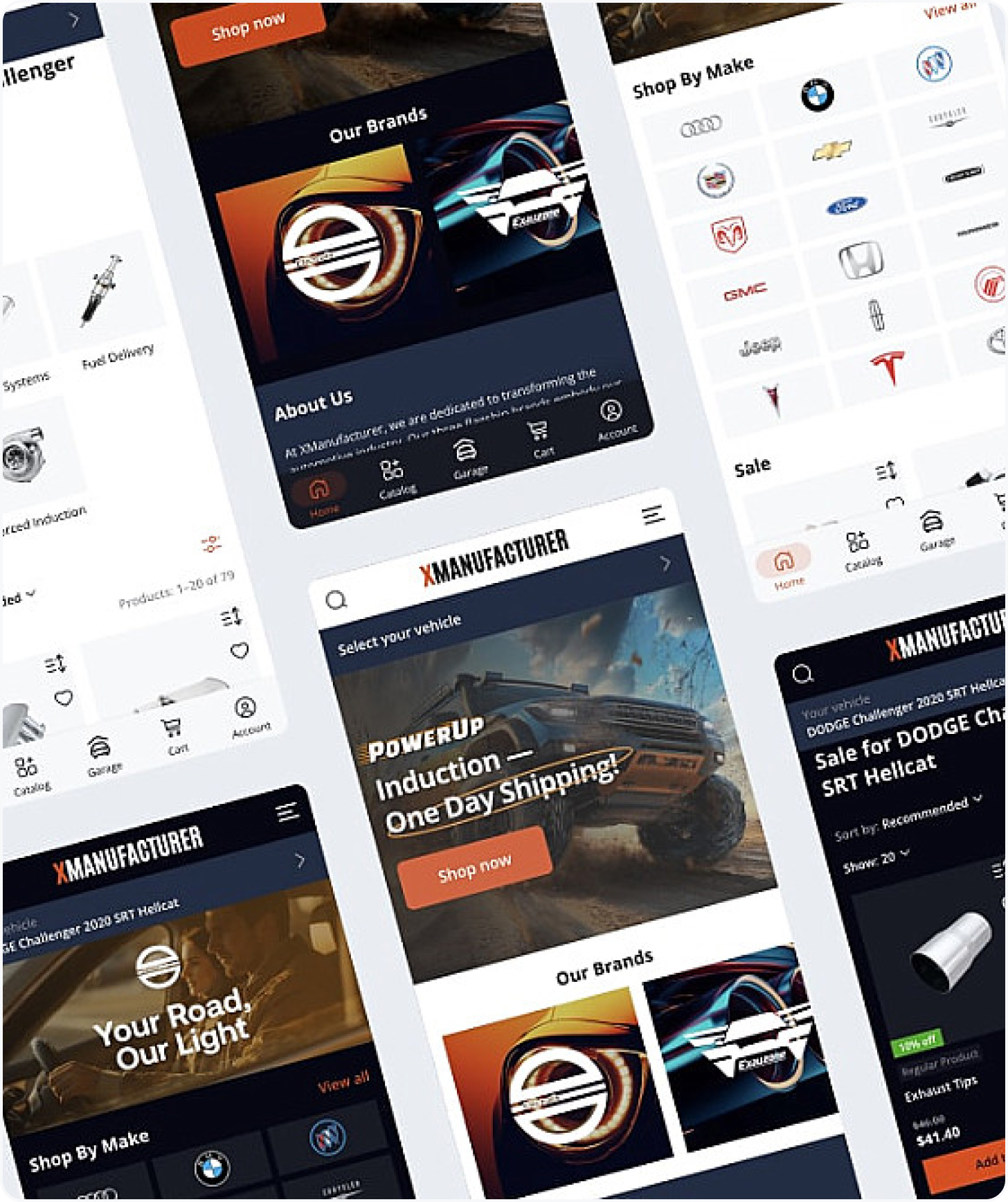






Start Your Store with X-Cart or Opt for End-to-End eCommerce Migration
Get a ready to use platform or free migration





Onboarding and Technical Support
We provide four one-hour onboarding calls for automotive online businesses with a customer success manager and a technical support engineer as part of your Automotive subscription.
Personalized approach to each business
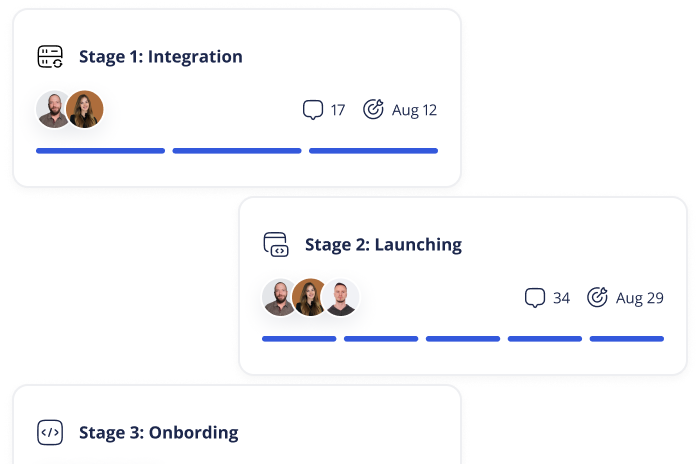
Assisted onboarding with a dedicated technical engineer

Guaranteed timely resolution for onboarding requests
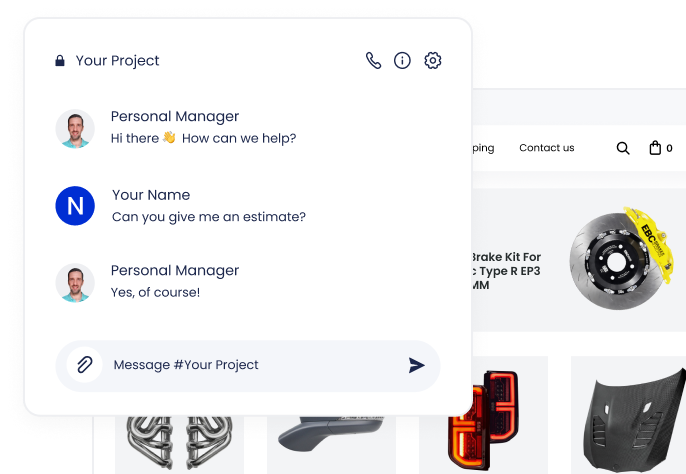
Become Our Next Success Story
We’ve helped 40,000 online businesses launch and grow
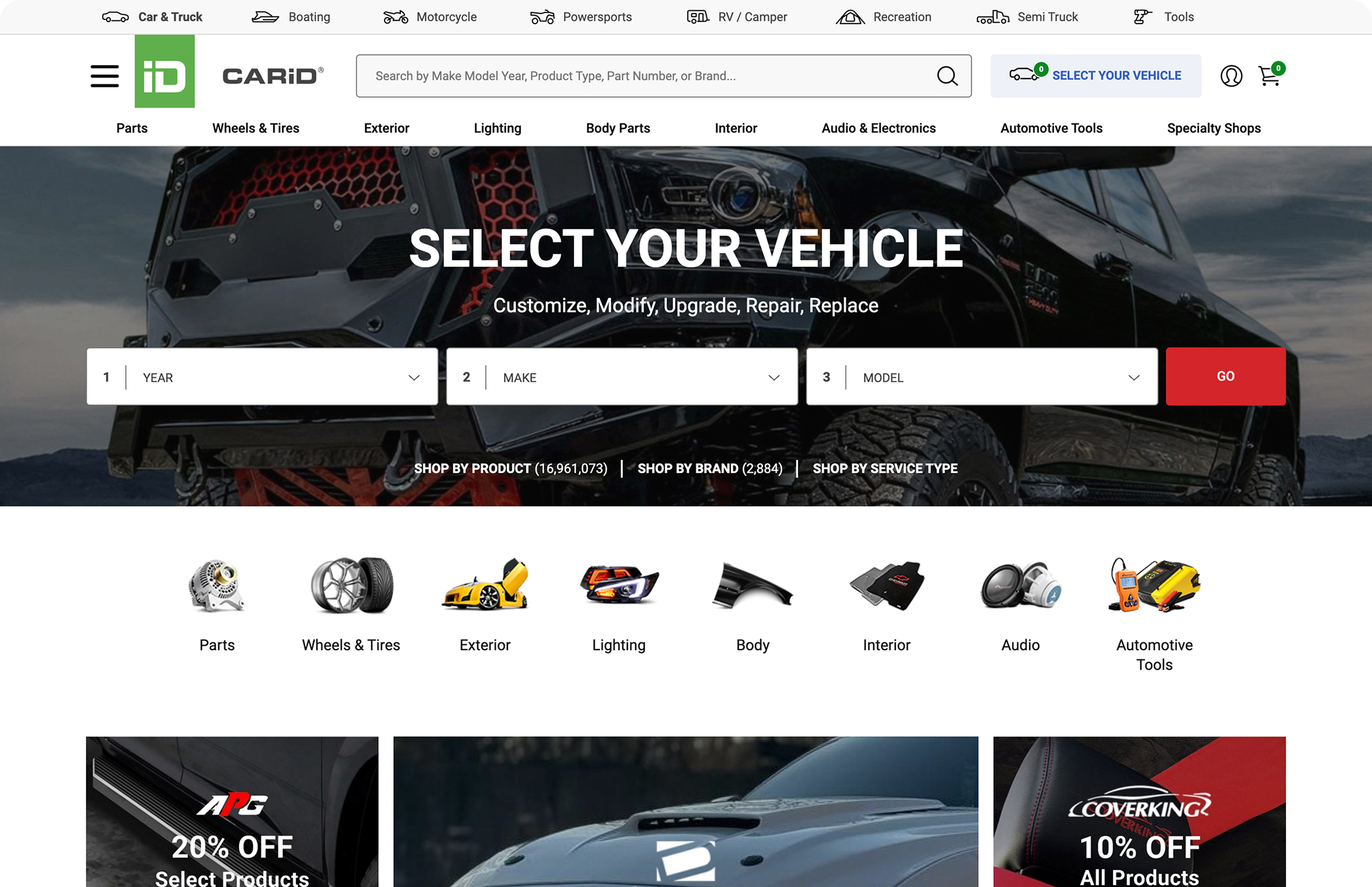






Unhappy with Your Existing Store? Let’s Talk about How a Change Can Help
Benefit from fully-managed eCommerce migration – project mapping, precise data transfer, SEO advice, and expert support at every step.








Watch how X-Cart works
Leave your contact details and you will be redirected to the page with free videos about the X-Cart features. One of our experts will get in touch with you shortly to discuss details.

We have received your information!
Our team will get back to you shortly. For now, we hope you enjoy the X-Cart demo videos.
Thanks, you’re booked!
Our team will follow up shortly, either by email or phone, to schedule the date and time for the X-Cart demo.
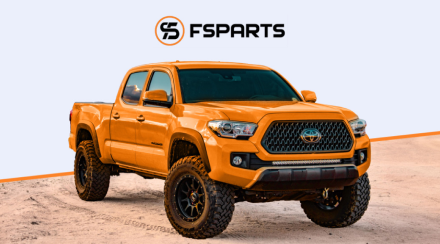
Meanwhile, discover how X-Cart helped FS Parts overcome complex data and fitment challenges.
Read More